The first VirtualGamePad devlog celebrated mise as a task runner. That was the small half.
Here’s the large half: using mise to manage the toolchain itself. The post is a tutorial you can copy into any repository. VirtualGamePad is the worked example – five repos (phone app, PC server, shared protocol, docs site, build experiments) maintained by one person, where setup used to be the scariest part.
VirtualGamePad is modular by design — a specialist with existing tools can clone and build a single component.
This setup lowers the barrier to entry, reduces errors, and makes work across components predictable.
“Meta-manager” because mise does not build anything itself. It stands above the build tools – Gradle, CMake, Hugo – and makes sure the versions the project expects are present.
a React frontend via pnpm and a Python FastAPI backend via uv,
or a Qt server plus an Android client
– with pinned, isolated toolchains and one setup entry point instead of a page of per-stack instructions.
The problem, in four lines
In my previous post, there’s a comic:
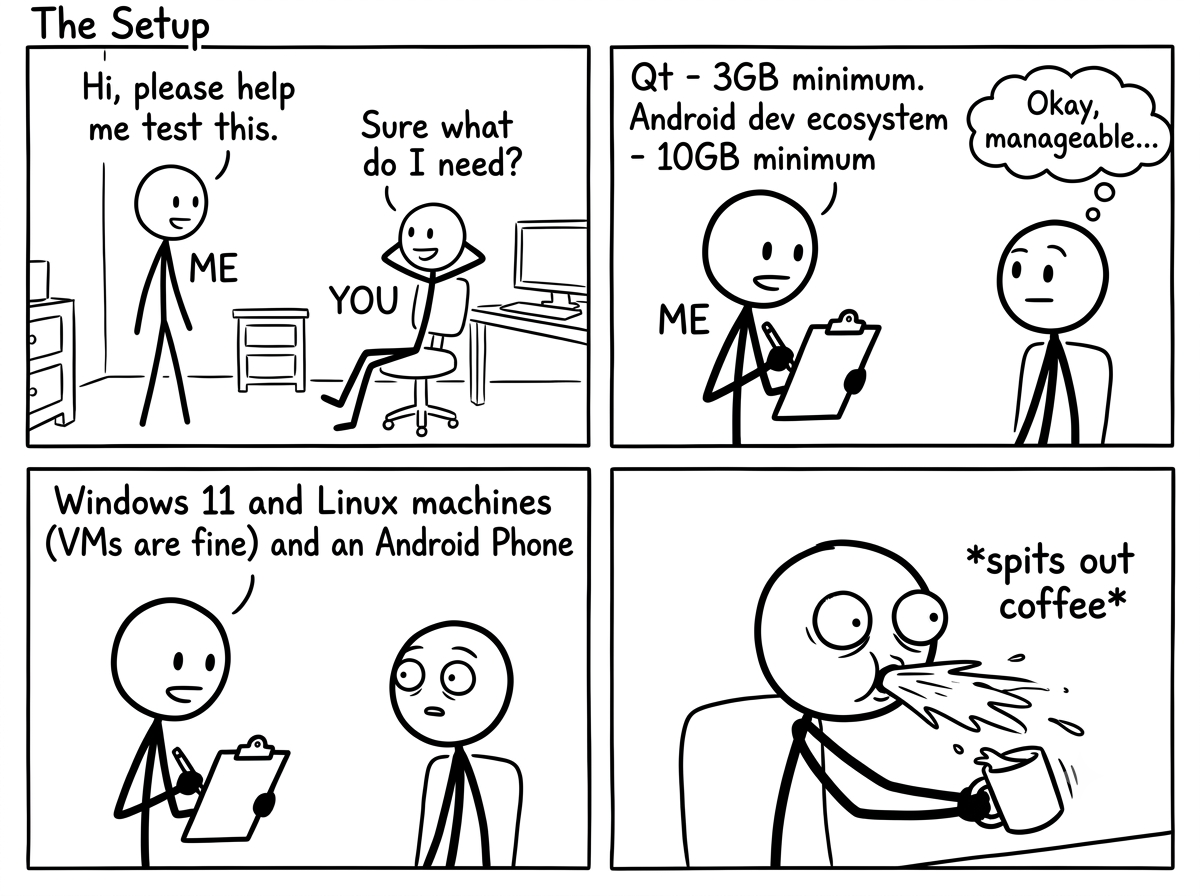
Me: Hi, please help me test this.
You: Sure, what do I need?
Me: Qt - 3 GB minimum. Android dev ecosystem - 10 GB minimum. Windows 11 and Linux machines (VMs are fine) and an Android phone.
You: spits out coffee
What you want instead is a conversation that starts: “install mise, then run the build task.” To get there, the answers to “what do I need?” and “install it for me” have to live in the repo, not in human memory. Mise keeps each repo’s toolchain predictable without turning the whole ecosystem into one giant install; OS prerequisites remain in the platform-specific build instructions.
| Tool | Earlier | Now |
|---|---|---|
| Qt | Install by hand, using the online installer. Pray that you picked the right subset of items in the GUI. (All is 20 GB, minimal via custom install is 2 GB.) | mise run setup |
| CMake, Ninja | Multiple ways - bundled with Qt, from a package manager - you probably have multiple versions and no idea which is used | mise install |
| Android SDK | Again, download Android Studio, fiddle with buttons and navigate a maze of popups to get a working setup | mise run setup |
| Java | Use a package manager, get version conflicts, reconsider your life choices | mise install |
| Hugo | Use a package manager or download binary manually | mise install |
Requirements
Let’s lay down our requirements first:
| N | What we want | Why |
|---|---|---|
| 1. | Setup reuses a detected system installation. If a contributor already has the Android SDK or Qt installed, mise should detect it and use it. | No repeated resource usage. |
| 2. | mise should be invisible to the build systems. | Prevents tight coupling. Don’t fix what isn’t broken. |
| 3. | Quick setup on fresh systems. | Run command, let it finish, continue. |
The architecture that satisfies these three constraints has three layers.
The architecture: three layers
  ---
config:
  look: neo
  theme: redux-color
  layout: elk
---
flowchart TD
    A["layer 1<br/>committed mise.toml<br/><b>[tools]</b>: hugo, cmake, ninja, java<br/>small CLIs"]
    B["setup tasks<br/>found a usable system SDK? reuse it<br/>missing? provision it"]
    C["layer 2a: Android<br/>mise android-sdk@23.0<br/>gitignored mise.local.toml<br/>sdk.dir in local.properties"]
    E["layer 2b: Qt<br/>aqtinstall under $HOME/Qt<br/>cmake_cache_*.cmake"]
    D["layer 3<br/>the build systems: Gradle, CMake, Hugo<br/>they find SDKs through their usual files"]
    A --> B
    B -- "Android missing" --> C
    B -- "Qt missing" --> E
    B -- "already found" --> D
    A --> D
    C -- "local.properties" --> D
    E -- "CMake cache file" --> D
- Layer 1 – pinned CLIs in the committed
mise.toml. Small, cheap, always wanted:hugo,cmake,ninja,java. Java is pinned to a major line; the other entries use exact versions. - Layer 2 – heavyweight SDKs, provisioned only when missing. Android is declared in the checkout’s gitignored
mise.local.toml; Qt is installed under$HOME/Qtbyaqtinstall. When provisioning, each setup task records the location in the file its build system already reads; detected system paths are reused as-is. - Layer 3 – the build systems, untouched. Gradle still reads
local.properties; CMake still reads its cache file. That’s the trick: mise never needs to re-point them at anything.
Three rules fall out of this, and they are the whole method:
- Commit the small tools.
- Never commit a heavyweight SDK, and never let mise claim one globally.
- Build systems keep reading their usual files; setup only writes those files.
Let’s build it, using Android as the worked example.
Step 1: pin the small CLIs
Open mise.toml in your repo and declare what your build commands need:
[tools]
java = "21"          # Mobile
# cmake = "4.4.4"    # PC
# ninja = "1.13.2"   # PC
# hugo = "0.161.0"   # this website
The commented lines show other VirtualGamePad repos; keep the lines your repo actually needs.
Rationale: these are version requests, not ice sculptures. java = "21" selects a Java 21 release managed by mise; it pins the major line, not an exact patch build. CMake, Ninja and Hugo have exact version entries. Pin versions that have already built the project successfully, and match CI where it specifies a version. On the website repo, hugo = "0.161.0" is the exact string the CI workflow uses for HUGO_VERSION – one source of truth for that question.
Then run:
mise install        # fetches and activates the pinned CLIs
mise ls --current   # verify: which config each tool came from
Step 2: decide what mise may never claim
The Android SDK and Qt are where a tutorial has a fork in the road, and the wrong path looks shorter. The tempting move:
mise use android-sdk@23.0 # ❌ do not commit this
Two reasons, both discovered the hard way:
- On a machine with a system Android SDK (like mine), mise downloads a parallel ~155 MB copy nobody asked for.
- mise sets
ANDROID_HOMEto that mise copy inside every task – so Gradle launched through mise can use a different SDK than the one configured for the rest of your machine. A “convenience” tool should not change where your builds go.
So the committed file stays honest and quiet about heavyweight SDKs:
[tools]
java = "21"    # ...and nothing else in the Android repo
This is the single most important decision in the whole setup.
Step 3: detect before you provision
Write a setup task that first looks for the tool the way the build system would look for it, not the way mise would. For Android, Gradle’s own discovery order is what matters most:
# what Gradle reads first, so read that first:
sdk="$(sed -n 's/^sdk\.dir=//p' local.properties 2>/dev/null || true)"
# then the environment, same as anywhere else:
sdk="${sdk:-${ANDROID_HOME:-$ANDROID_SDK_ROOT}}"
The two || true / :- fallbacks matter more than they look. On Linux, assignment commands inherit the exit status of the command substitution; without the || true, sh -o errexit (mise’s default shell) kills your script the moment local.properties doesn’t exist – which is precisely the fresh-clone case this task exists for. My first draft died this way; a code review caught it.
In the found case, setup just says so and stops: nothing to install.
if [ -d "$sdk" ]; then
  echo "Using existing Android SDK: $sdk"
  exit 0
fi
Android is the worked example here because it has the most moving parts; the same detect-then-provision shape applies to any SDK.
Step 4: provision only what’s missing
When the SDK genuinely isn’t there, provision into mise’s own directory – but declare it, using --env local:
mise use --env local android-sdk@23.0
That one command does three things: downloads the tool, records it in mise.local.toml, and (from next run on) puts sdkmanager, avdmanager, the new android CLI and the platform tools on PATH for every task in this checkout – while staying invisible to git and to everyone else’s machines.
Two follow-ups keep a build from dying two minutes later:
yes | mise exec android-sdk@23.0 -- \
  sdkmanager --licenses         # the first gradle build will fail without licenses
mise exec android-sdk@23.0 -- \
  sdkmanager platform-tools     # adds adb; the plugin auto-PATHs it if present
printf 'sdk.dir=%s\n' "$(mise where android-sdk@23.0)" > local.properties
local.properties is already gitignored, and Gradle prefers it over any ANDROID_HOME – so the project keeps building against exactly what this task set up, deterministically. (On Windows the equivalent lines escape the path the same way Gradle expects; check the repo’s mise.toml if you want the full copy-paste.)
Step 5: what mise can’t manage gets a fallback
Android has a mise backend. Qt does not, and its installer downloads are developer-installer-sized. The PC repo’s fallback provisions it with aqtinstall – the command-line installer GitHub Actions already uses. These are the provisioning commands; setup runs the matching platform commands only when it cannot find a usable Qt install:
aqt='git+https://github.com/miurahr/aqtinstall.git@8c3695d4a4e1ceabf6a74dc6c79681656dc6b74b'

# Windows: Qt plus its matching MinGW compiler
mise exec uv@latest -- uvx --from "$aqt" aqt install-qt windows desktop 6.11.0 win64_mingw -O "$HOME/Qt"
mise exec uv@latest -- uvx --from "$aqt" aqt install-tool windows desktop tools_mingw1310 -O "$HOME/Qt"

# Linux
mise exec uv@latest -- uvx --from "$aqt" aqt install-qt linux desktop 6.11.0 linux_gcc_64 -O "$HOME/Qt"
Look carefully at what setup produces: it’s the same cmake_cache_<platform>.cmake file a human has been writing by hand all along. For the human path, the Qt installer approach still works exactly as documented – the fallback is in addition, not instead. (The commit pin exists because aqt’s released version can’t read Qt’s new 6.11+ package layout; the CI workflow documents the same fact.)
Step 6: wire the tasks that need it
Don’t make people remember to run setup; make tasks depend on it:
[tasks.build]
depends = ["setup"]                 # mise runs setup before this task
run = "./gradlew assembleDebug"

[tasks.check]
depends = ["setup"]
run = "./gradlew build lint test"
And keep a doctor task that reports only:
[tasks.doctor]
description = "Check prerequisites (detect only - never installs anything)"
run = "java -version && [... SDK detection ...]"
It checks and says where each piece of the toolchain lives, or how a missing SDK will be provisioned. A “doctor” that mutates your machine should alarm you; keep the pipeline: mise run doctor to understand, mise run build to get everything.
Two detours worth knowing before you run this
- cmdline-tools 23 is deprecating its own CLI.
sdkmanagernow prints that the newandroidCLI replaces it, and even warns that--licensesis no longer needed. The scripts keep the old names so older tool versions still work; both warnings are harmless noise for now. - A provisioned machine keeps its choice. Once a checkout uses its mise-owned Android SDK, it keeps that choice even if a system SDK appears later. To switch, remove the
sdk.direntry fromlocal.properties(or point it at the new SDK), deletemise.local.toml, then re-runmise run setup.
The result
After installing mise, cloning the repo, and installing any listed OS prerequisites, the remaining steps are:
mise install       # install the small, pinned tools
mise run doctor    # what do I have? what's missing?
mise run build     # set up missing SDKs, then build
For VirtualGamePad-PC, clone with submodules; Linux also needs a C++ compiler and libevdev-dev (see Build.md
for the package prerequisite). Device tasks in the Android repo also need a connected phone or emulator. On this website’s repo, setup is unnecessary – hugo is pinned. The repo task definitions implement this policy for both sh and PowerShell; the snippets here show the key commands, not a replacement for those complete tasks.
Adapting this to another project
The VirtualGamePad specifics above are one instance of a general pattern. To apply it to your own repo, answer these questions:
| Question | Android answer (worked example) | Qt answer (worked example) |
|---|---|---|
| How does the build system discover the SDK? | sdk.dir in local.properties | cmake_cache_<platform>.cmake |
| What is the detection order? | sdk.dir, then ANDROID_HOME, then ANDROID_SDK_ROOT | cache file, then env vars, then qmake on PATH |
| How is it provisioned when missing? | mise use --env local android-sdk@23.0 | aqtinstall into $HOME/Qt |
| Does mise have a backend for it? | yes | no - use a fallback installer |
Checklist:
- List the CLIs your build invokes directly (
cmake,ninja,hugo,java,node, …). Pin them in[tools]. - For each heavyweight SDK, write down how the build system discovers it, the detection order, the provision command, and the file setup writes.
- Never put a heavyweight SDK in the committed
[tools]. - For tools with no mise backend, use a fallback installer and write the same file a human would.
- Add a read-only
doctortask and makebuild/testdepend onsetup. - Keep OS-level prerequisites in the platform build docs.
Nothing in this pass upgraded Gradle, AGP or CMake – those often require manual intervention, code modifications, etc.
A meta-manager makes the boring decisions automatic so the interesting ones (renovate the build system? bump language version?) stay deliberate.
Note: I have not tested this setup on a fresh VM. Minor edits might be needed on a clean OS. I have blind spots too, you know.